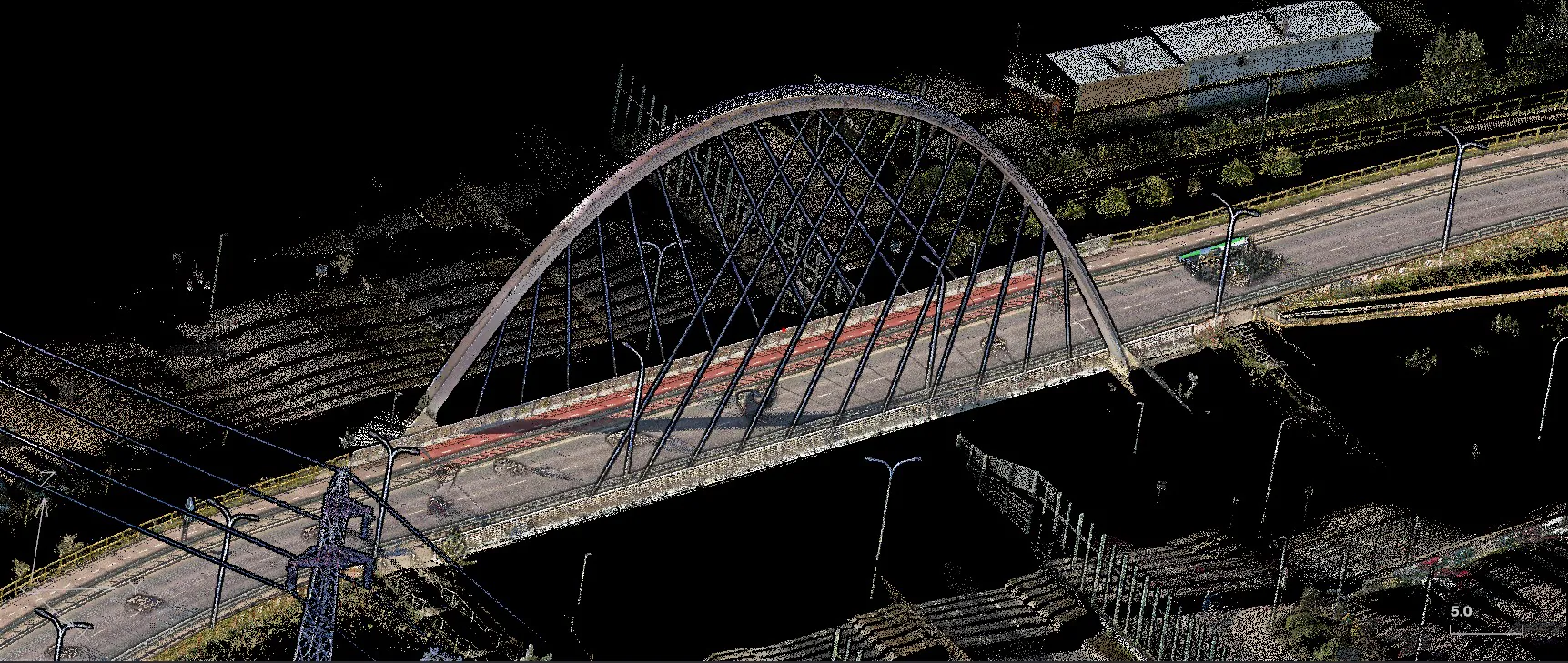
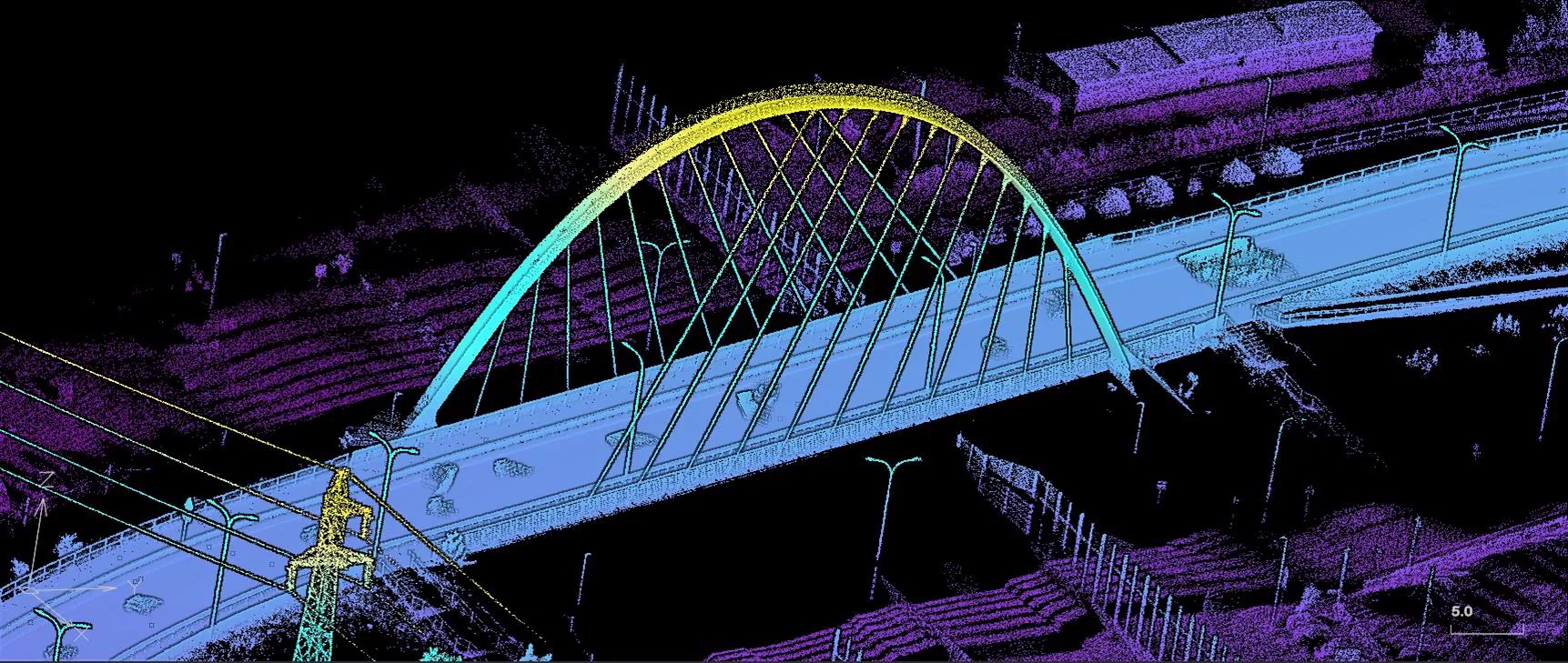
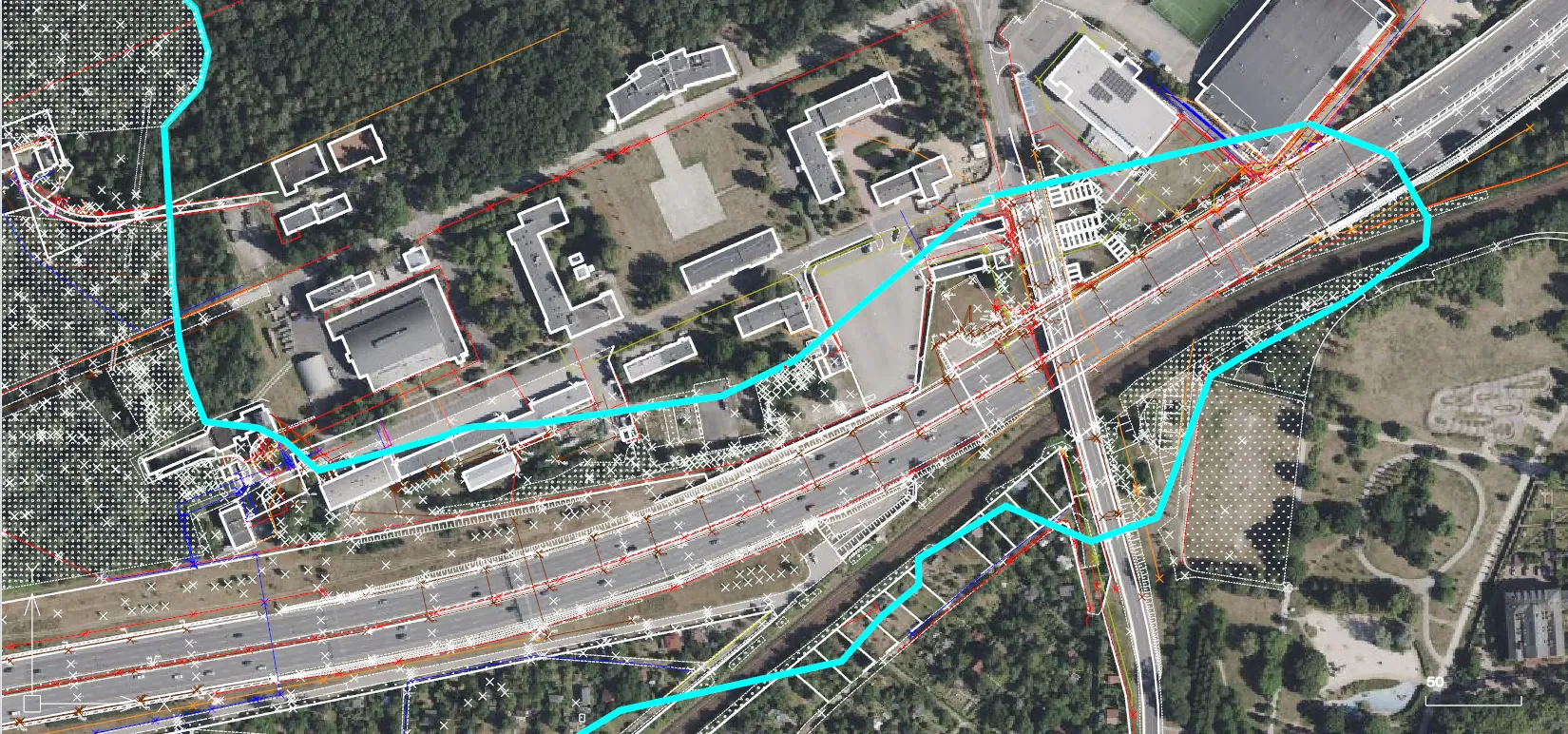
The software has been designed with the user's convenience in mind – a clear interface and logical tool layouts allow the operation to be learned quickly, even without long training. Many tasks are performed automatically – from generating reports to calculations and data conversion. This saves time and minimizes the risk of errors. Geo-Office is a high-quality, efficient 3D graphic environment. It is compatible with AutoCAD in terms of data formats and user interface. It includes a geodetic calculation module integrated with the map, support for rasters and many coordinate systems. It enables working with point clouds already in the basic version of the software. Thanks to an open architecture, it provides data exchange in many formats and is ready to be extended with new functions.
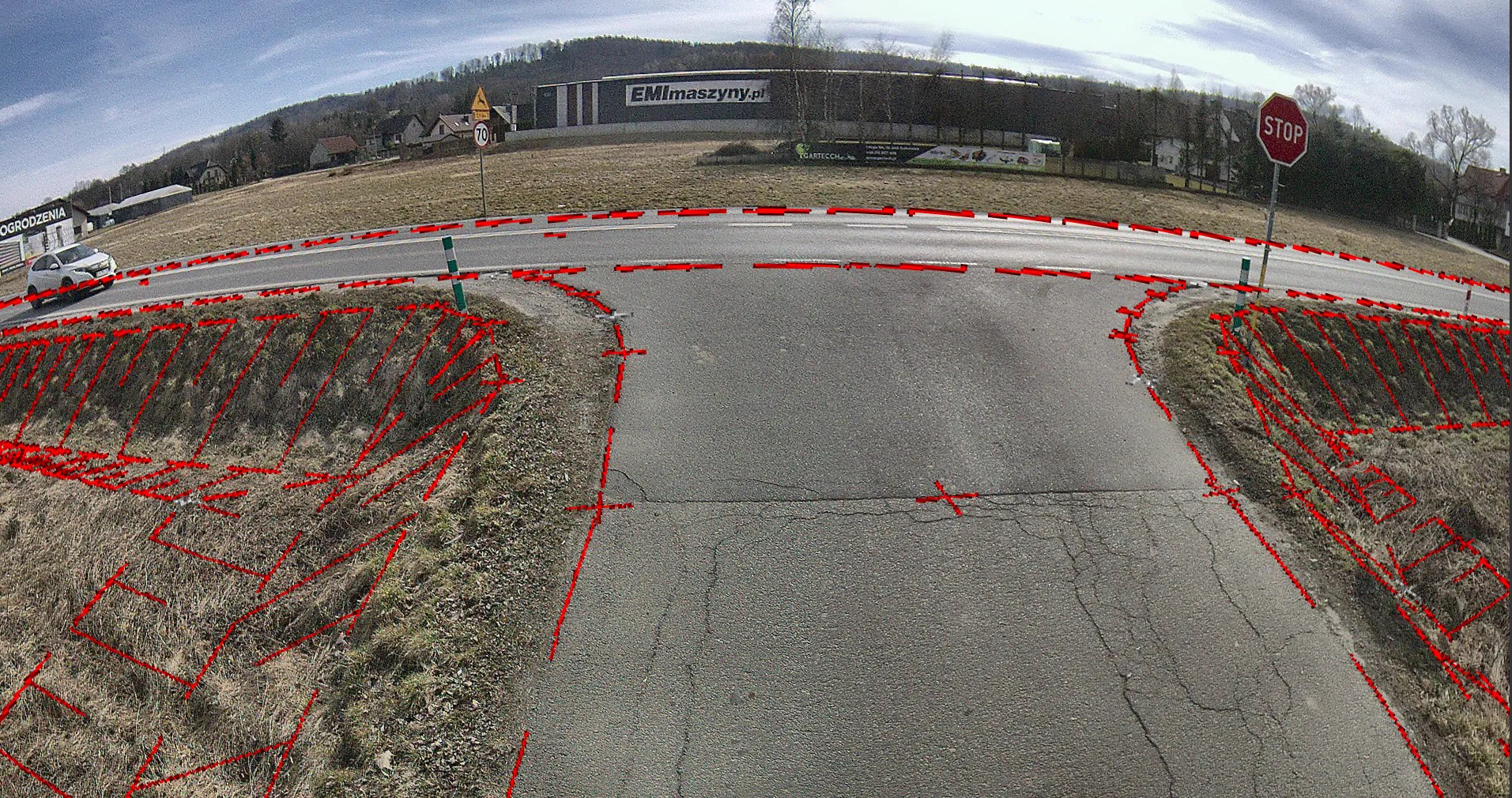
Create cross-sections in real time directly on the basis of point clouds or TIN surfaces. Analyse terrain by adding points and checking the shape in a separate interactive window. Manage various materials – from digital terrain models (TIN), through orthophotos, up to all kinds of attachments and documentation. Contour and elevation calibration can be generated from the TIN surface. Various analyses and data checks are available for the TIN surfaces, for example earth mass balance. It is also possible to create profiles and cross-sections of the TIN surface. Geo-Office also detects objects from the point cloud, for example planes, circles, arcs and lines.
It is possible to load standard road maps or satellite images from Google Maps into a project. This makes orientation in the field easier and allows you to compare data with the real image of the surroundings.
The user can define any coordinate systems through ellipsoid definitions, projections or transformations. Geo-Office provides support for various geoid formats and system shifts. A 3D coordinate system can also be calibrated based on GNSS measurements.
Geo-Office includes an extensive module for measurement data quality control with an intuitive system for notifying about exceeded admissible error values and similar issues.
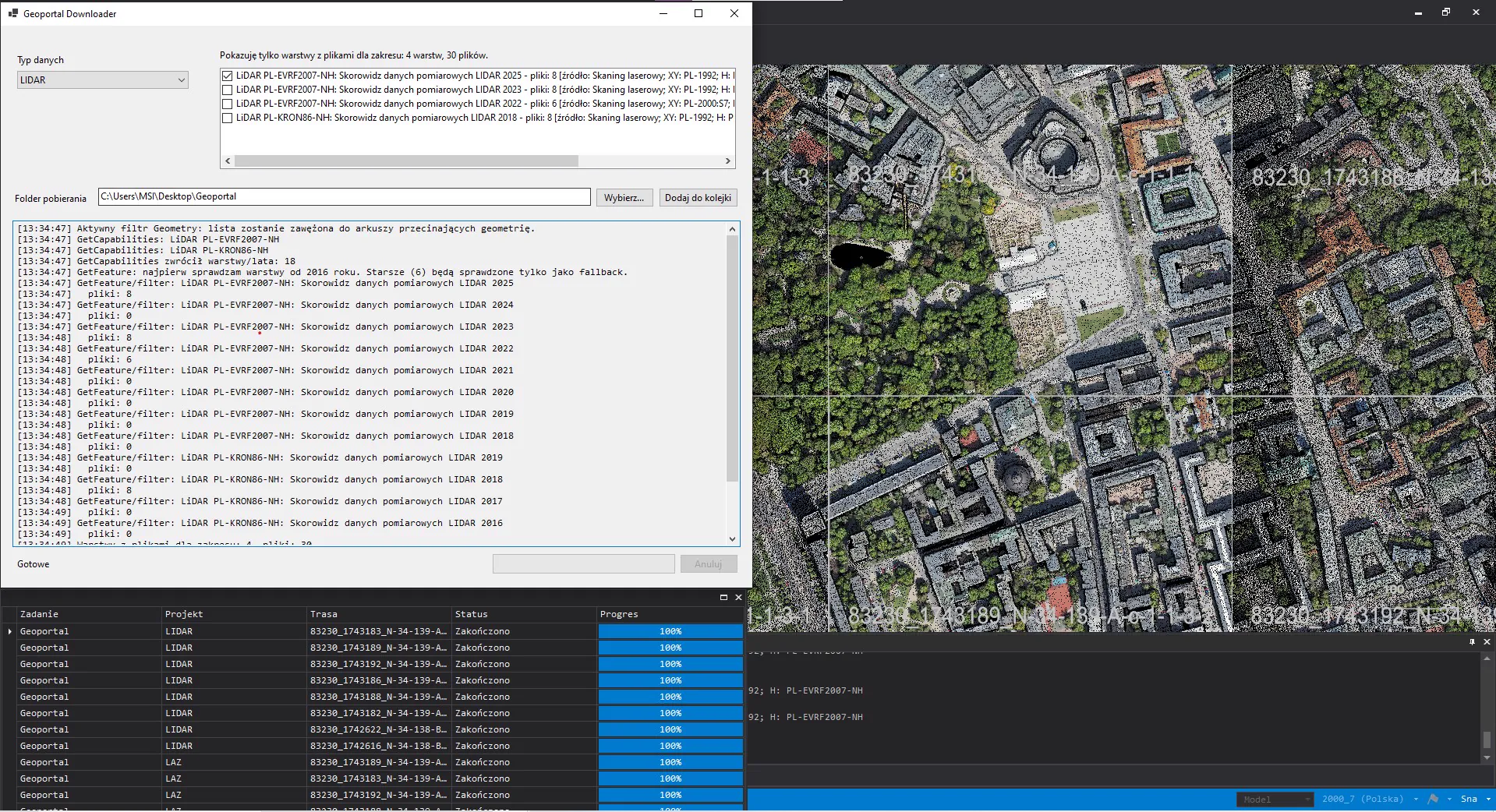
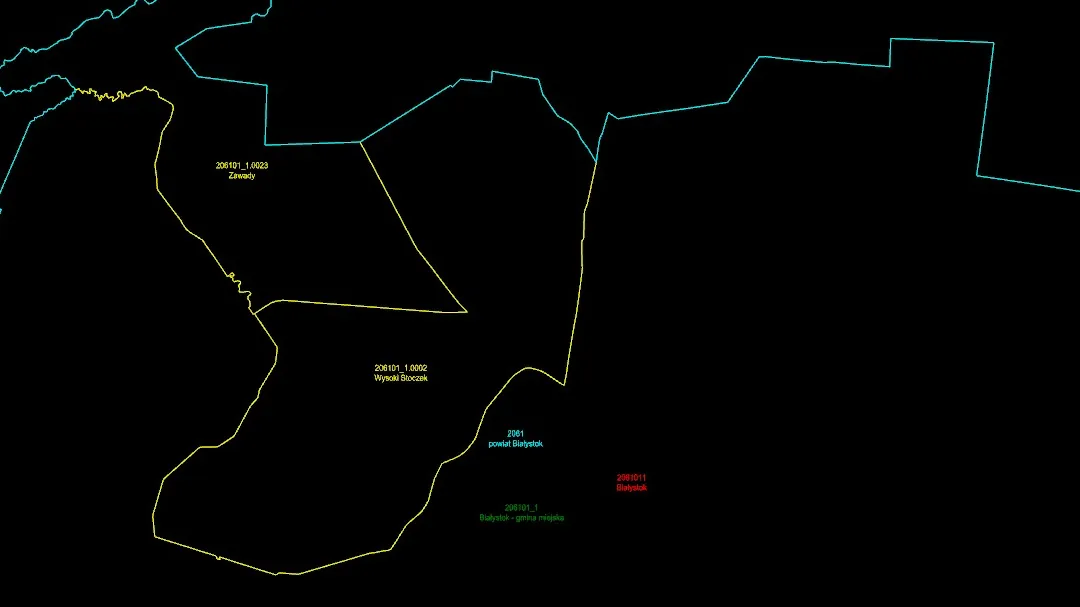
Geo-Office users can define projections of coordinate systems and download raster data from WMS servers (orthophotos, topographic maps, cadastral data). Geo-Office is integrated with the State Border Register.
Geo-Office enables import and export of many data formats:
– data in GML format in accordance with current regulations – easy creation and updating of
documentation and integration with official systems,
– support for DWG files – cooperation with the design industry, import from AutoCAD and export
for further design work,
– definitions of objects (BDOT500, EGiB, GESUT) – creation of an object-oriented database
according to regulations,
– import of descriptive and graphic data in SWDE format,
– import / export of graphic data in SHP format.