Cartographic
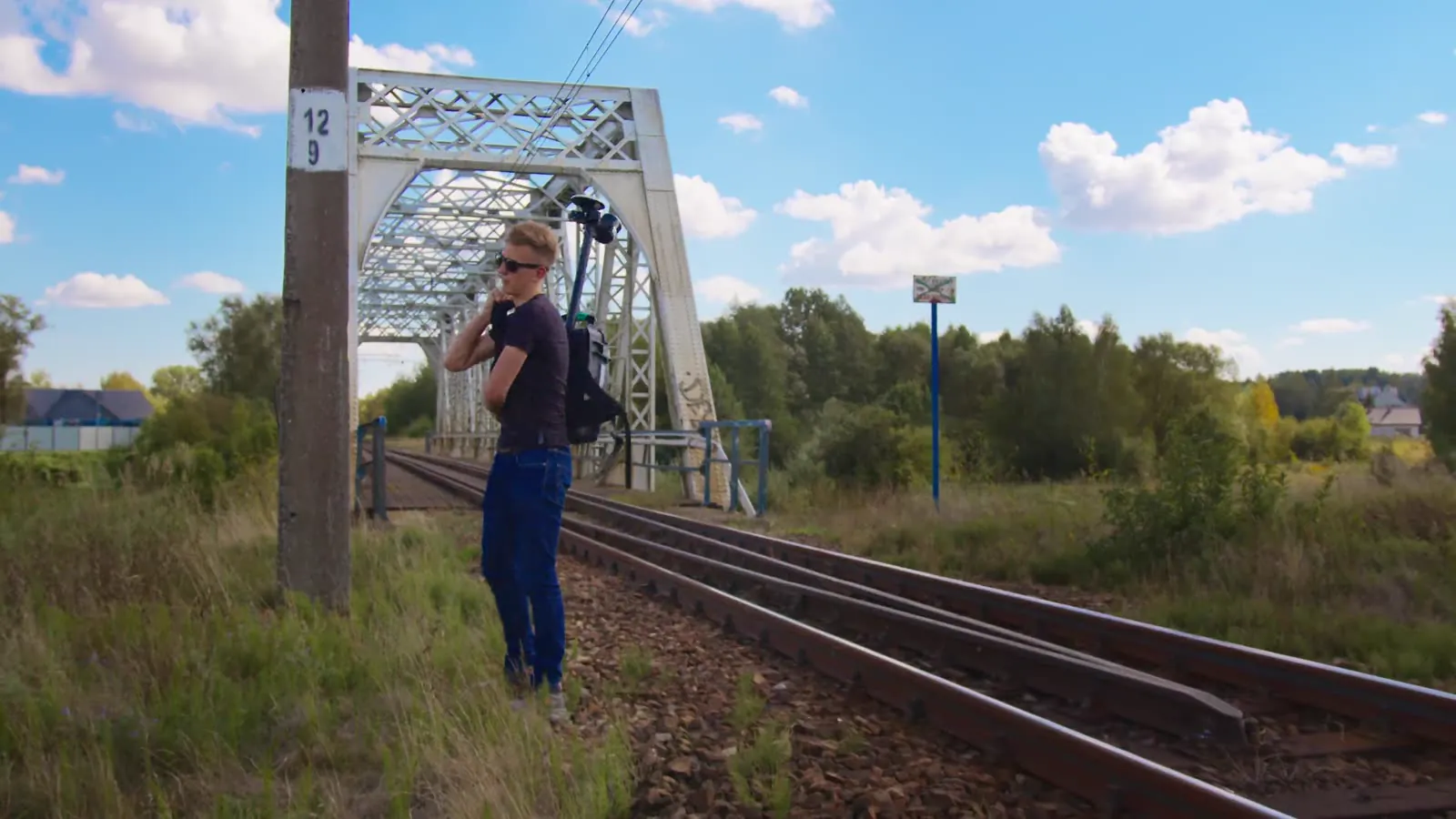
Cartographic is the platform for running jobs with the BP-32 backpack. You create a project from the job area, start the backpack and the survey from your phone, and after every pass you see on the map what has already been measured.


Step 1: project
Upload the job area and create a project from it.
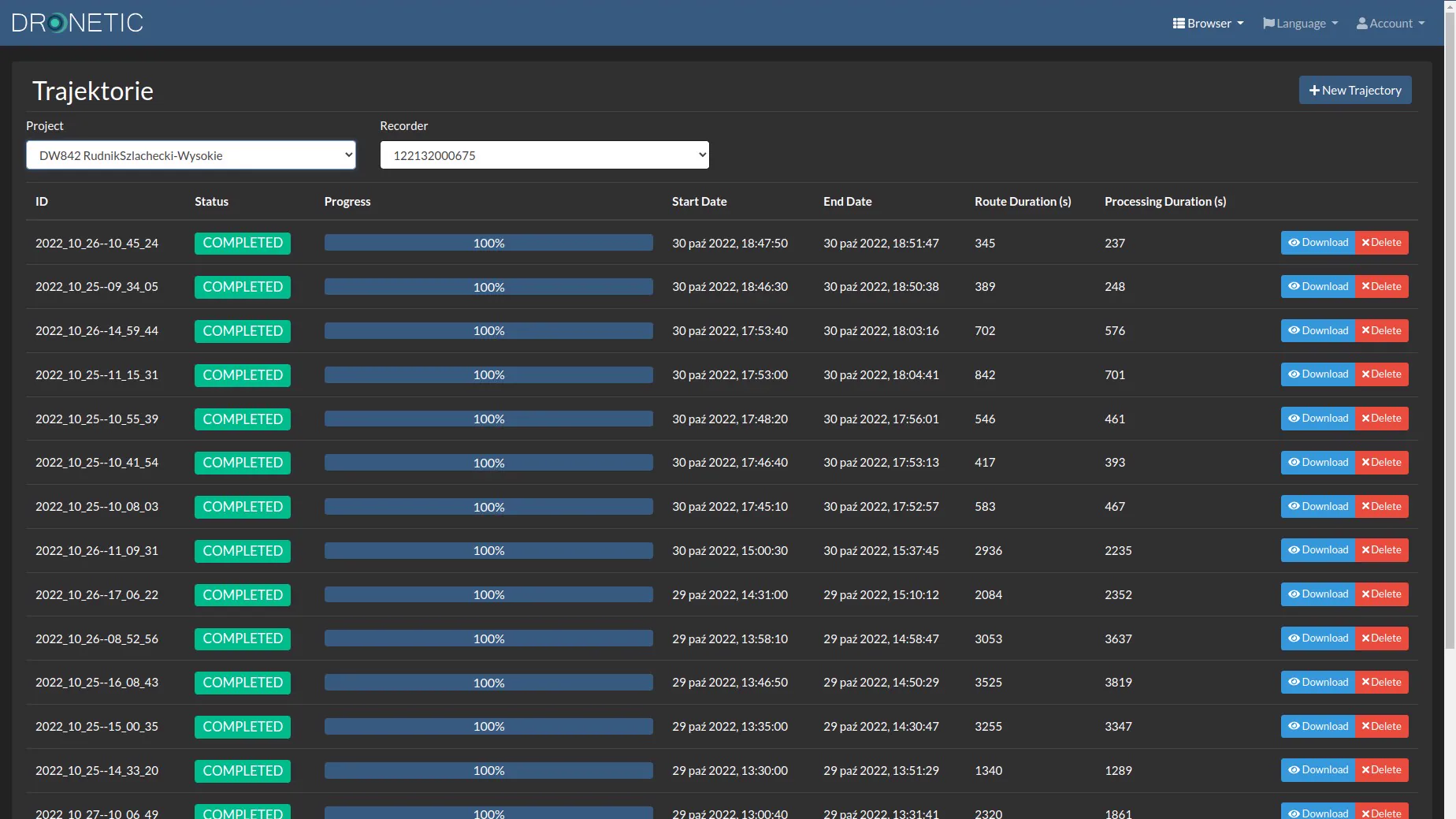
Every survey lands in the right place straight away: the point cloud is saved on the backpack's USB drive in a folder named after the job. Data from different jobs never mixes, and nothing needs to be moved or searched for later.
Step 2: plan
You can upload the lines the operator should walk with the backpack.
In the field, the map shows where measurement is still needed. The survey plan lives in the same place where you later see its progress.


Step 3: survey
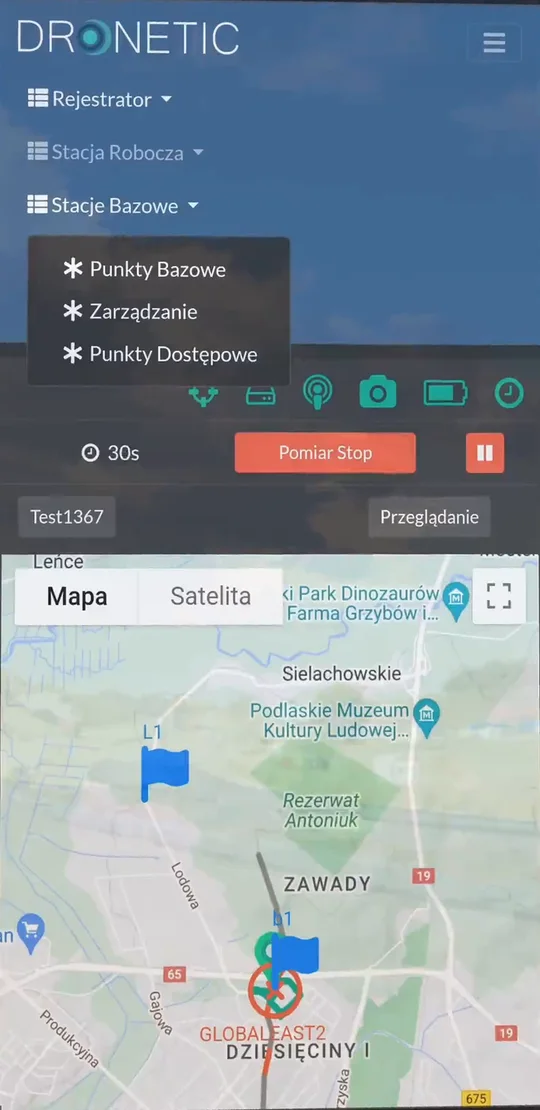
From Cartographic you start the LiDAR and the survey.
You also set the camera exposure and other survey parameters. All you need is a smartphone with internet access — your hands stay free while the backpack works on your back.
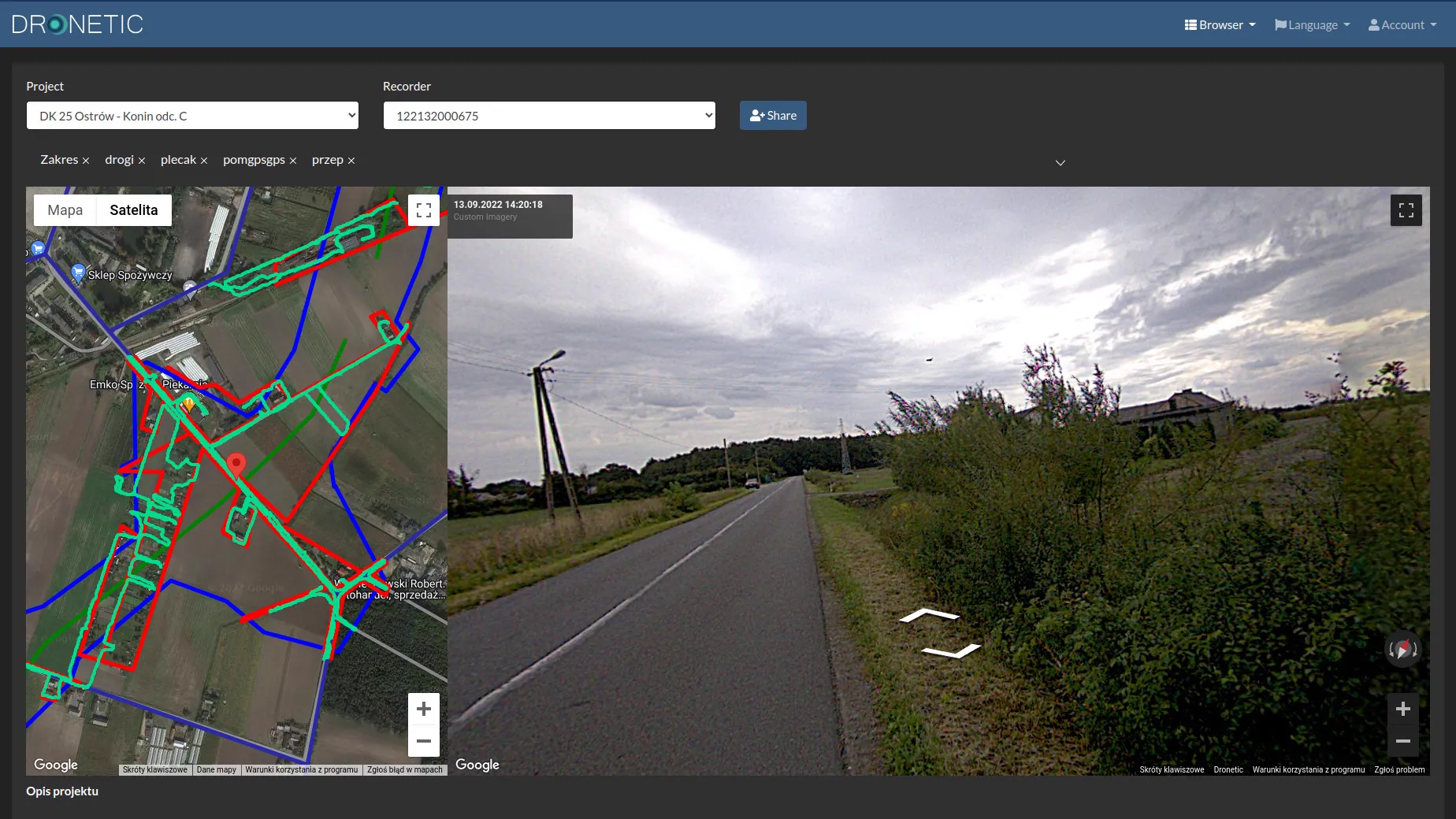
Step 4: coverage
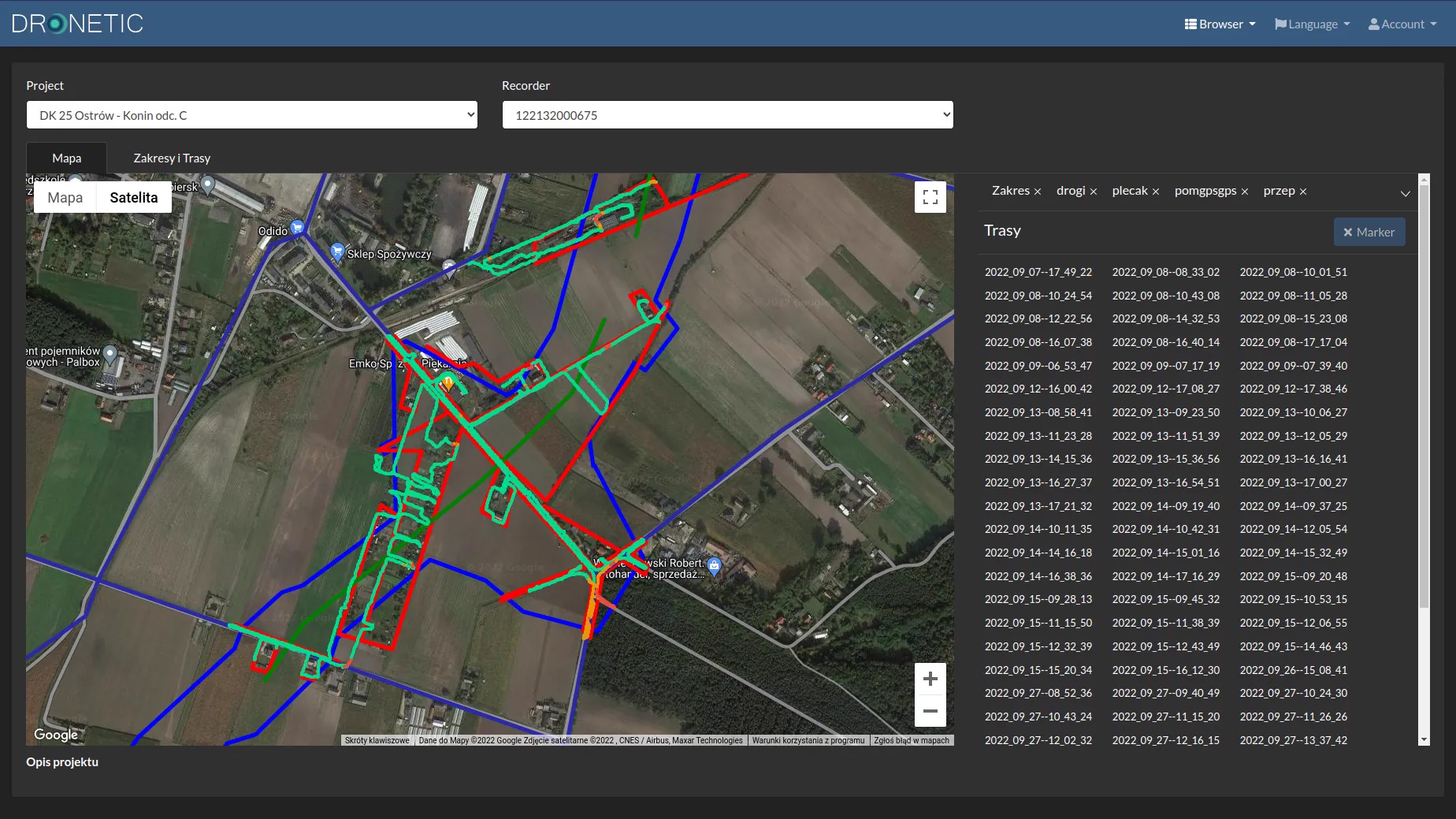
After every pass with the backpack, its path is drawn on the project map.
You see straight away what has been measured and what has not — in the field and at the office. Gaps show up before the team leaves the site.

Pass data, organised by job, opens in GeoOffice: that is where point clouds are built from trajectories and where the map, cross-sections and reports are made.
Every job has its own project and its own data folder on the backpack's drive.
Paths on the map reveal gaps before the team leaves the site.
Start-up, survey start and camera settings with no extra hardware.